Brush over any diagonal wordmark, preview banner, or credit bar — our AI watermark remover rebuilds the background while keeping your photo sharp.
Free Daily Edit
No Added Watermark
iPhone, Mac & Web
Pay As You Go
Step 1
Upload your photo
Upload a JPG, PNG, or WebP photo and brush over the watermark banner, wordmark, or credit strip.
2 free credits/day (1 edit) after free sign-in · No credit card · No watermark
Illustrative before & after
Before and after: stock-style preview watermarks removed cleanly
Drag each divider to see how localized brush masking clears centered preview bars, single diagonal wordmarks, tiled grids, and credit strips without blurring unmasked details.
BeforeAfter
Single diagonal wordmark
Erase a bold diagonal wordmark in one continuous stroke
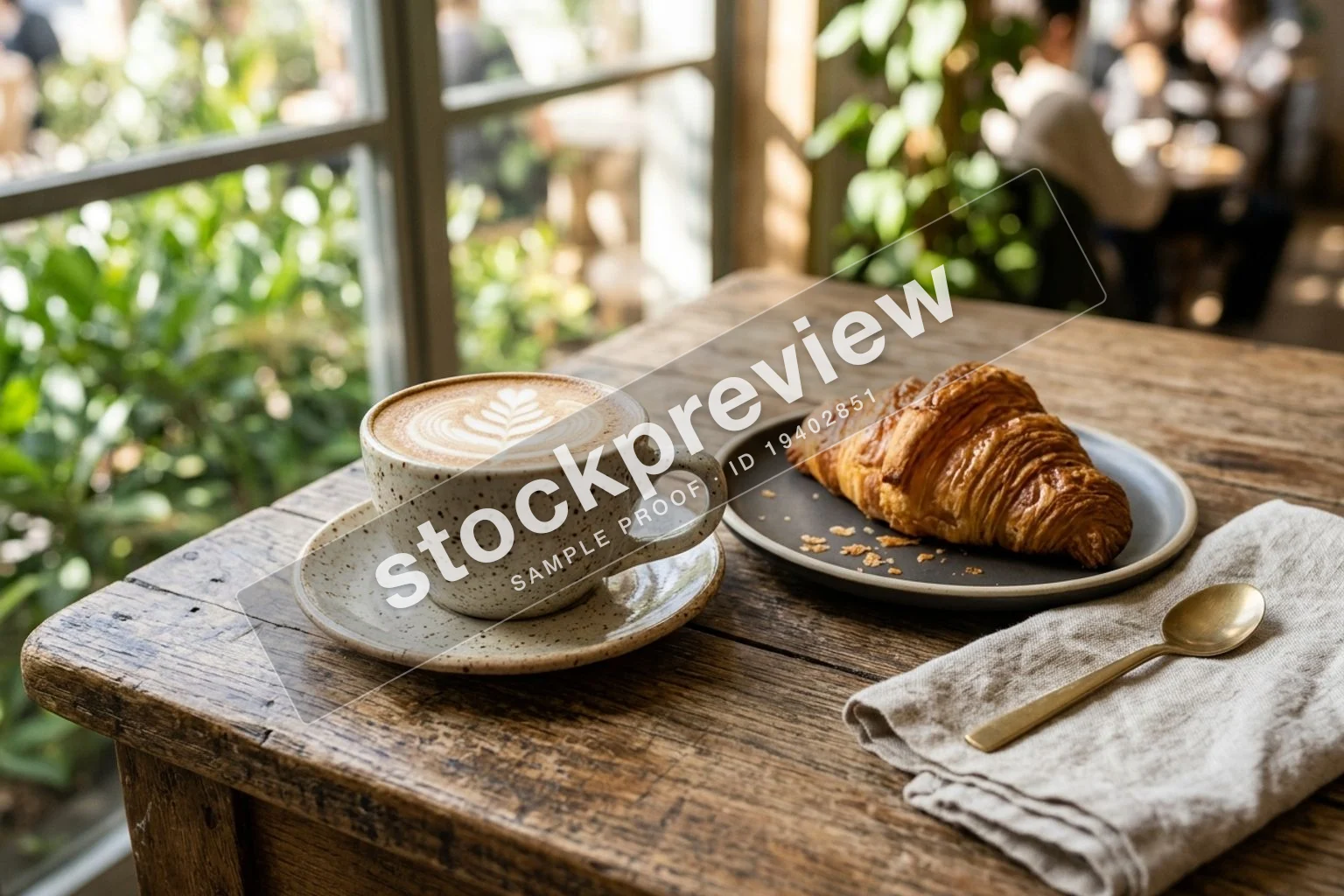
Unlike repeating tiled stock grids, classic editorial previews often run a single bold diagonal wordmark and asset ID across the middle of the shot. Sweeping a 50–90 px brush along the diagonal in one continuous stroke restores ceramic glaze, flaky pastry, and wood grain without leaving a visible seam.
Masked: single diagonal wordmark + proof ID line across cup, plate & wood table
Clean repeating preview grids in focused multi-pass strokes
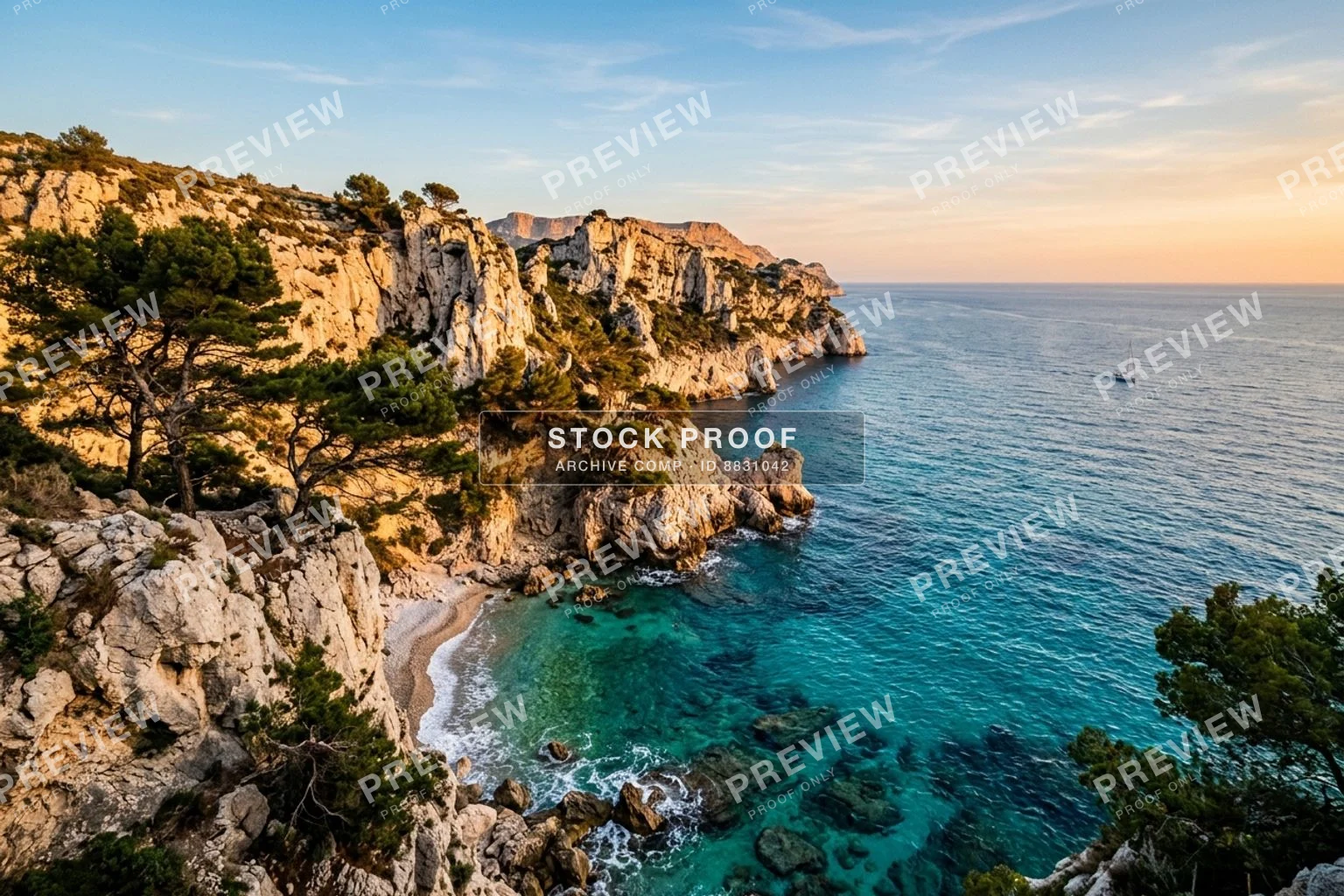
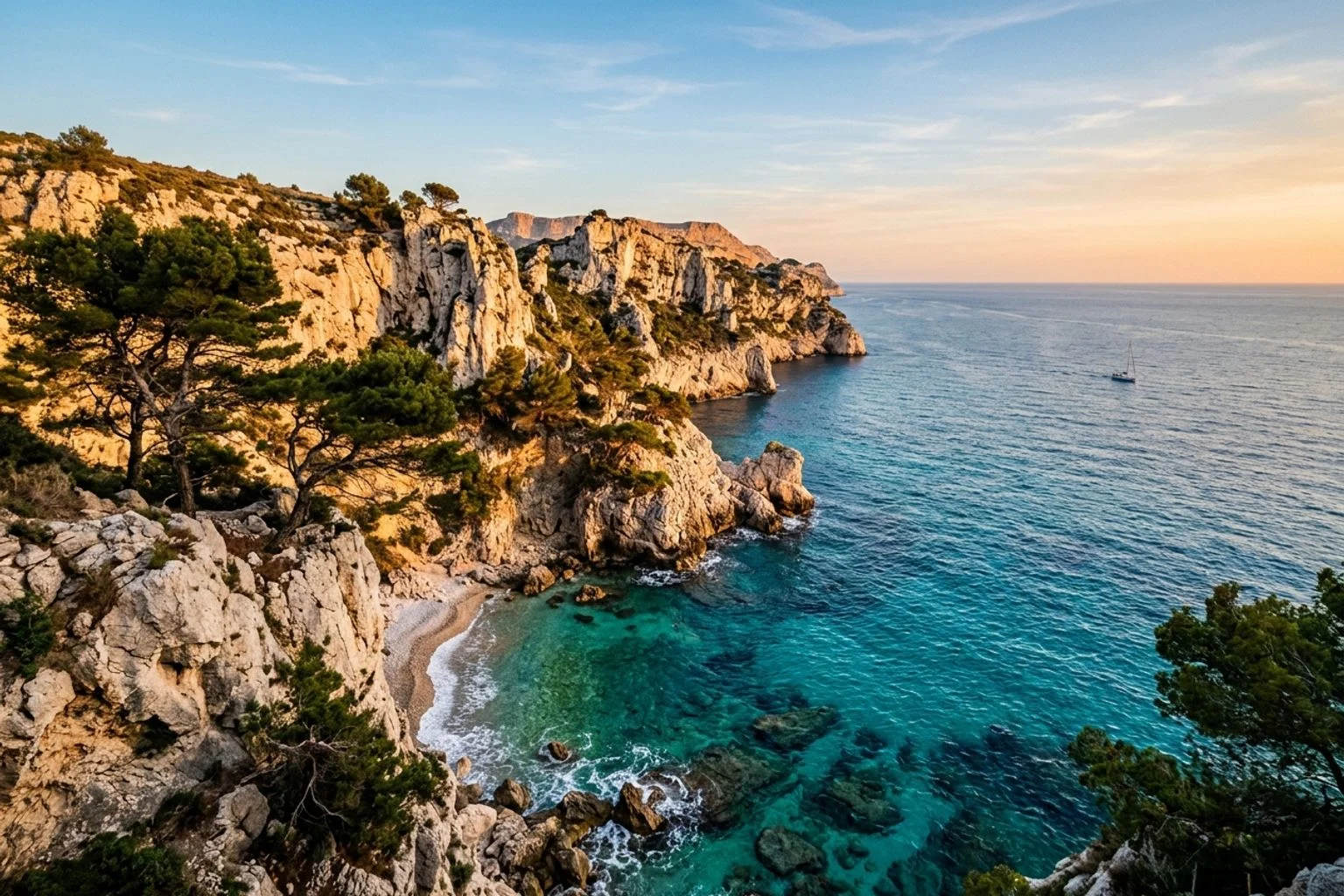
Dense repeating watermarks — common on Shutterstock, Adobe Stock, or agency contact sheets — cut across sky, sea foam, and rocky cliffs at once. Clearing tiled marks in 2–3 smaller passes gives AI plenty of clean surrounding reference texture instead of blurring the scene.
Masked: repeating diagonal tiled preview text + center proof box across sky & water
Clear full-width press preview banners and photo IDs cleanly
Press and red-carpet agency comps commonly place a full-width frosted preview band across the center of the frame alongside a lower-left photo ID box. Brushing over both marks lets localized AI rebuild rich velvet fabric, silk folds, and background event lighting while keeping the subject’s face untouched.
Masked: full-width centered translucent preview band + lower-left photo ID box
Remove lower-left credit names and proof stamps from portraits
Need to remove the photographer name, archive credit bar, or client proof badge from a portrait? Localized brush masking strips only the credit strip and proof stamp so facial features, skin tone, and jacket fabric stay completely unchanged.
Magic Eraser's AI watermark remover cleans diagonal stock-style wordmarks, centered preview banners, and lower-left credit bars directly in your web browser: upload a JPG, PNG, or WebP photo (up to 8 MB), brush over the watermark in one continuous stroke, and download a high-quality, watermark-free PNG in about 10–20 seconds. Signed-in accounts receive 2 free credits daily (1 edit/day) with no credit card required; still images only (not Getty Images videos). Because removing a watermark never grants copyright rights — and Getty Images actively enforces its licenses — use this tool only on images you own or have licensed, or purchase a Getty Images license for clean 4K originals.
Input
JPG, PNG, WebP (≤ 8 MB)
Export
Watermark-free PNG
Typical time
About 10–20 seconds
Free & privacy
1 edit/day · 24h cleanup
Workflow
How to remove a Getty Images-style watermark in 3 steps
Works straight in Safari, Chrome, Edge, or Firefox on Mac, Windows, iPhone, and Android — no Photoshop subscription or desktop install required.
Step 1
1. Upload your photo (JPG, PNG, or WebP)
Upload any JPG, PNG, or WebP image up to 8 MB straight from Mac, Windows, iPhone Safari, or Android Chrome — no software download or desktop app required.
Step 2
2. Brush the diagonal wordmark, credit bar, and ID text
Use a 50–90 px brush to paint over the diagonal wordmark or centered preview box in one smooth continuous stroke, leaving a 6–10 px margin past edges and faint drop shadows. Include any lower-left photographer credit bar or image ID number in the same edit.
Step 3
3. Erase and download a clean PNG with no added watermark
Click Erase and wait about 10–20 seconds while localized AI inpainting rebuilds only the painted region. Inspect the result, run a quick second pass if a faint seam remains, and download your high-quality, watermark-free PNG.
Watermark types, official fixes & real boundaries
What Getty-style watermarks look like — and where AI stops
Six real-world watermark scenarios — from single diagonal wordmarks and Midjourney artifacts to paid Squarespace caching issues, 4K limits, and video clips.
Single diagonal wordmark & centered preview box
Unlike Shutterstock or Adobe Stock’s dense full-frame repeating grids, classic Getty-style editorial previews typically place one bold diagonal wordmark and translucent bar across the middle — which responds far more cleanly to a single localized brush stroke.
Limit: When translucent lettering crosses directly over eyes, hands, or tiny background signs, AI invents plausible pixels rather than recovering hidden original detail.
Lower-left photographer credit bar & image ID number
Opaque or frosted photographer credit lines, studio names, and archive ID numbers stamped along the bottom edge of proofs and editorial comps. Localized masking clears the credit strip without cropping your framing.
Limit: Extend your brush 6–10 px past the frosted box and text drop shadow so no dark edge halo remains.
AI-generated images with accidental Getty-style watermarks
Midjourney, Stable Diffusion, and other AI image generators occasionally hallucinate fake stock-style watermarks onto images you created yourself. Brush masking clears those stray marks cleanly from your own AI artwork.
Limit: Keep your brush tight around the hallucinated lettering so nearby faces or stylized brushwork remain untouched.
Paid Getty photo still showing a watermark (Squarespace / Canva)
Bought a Getty Images license through Squarespace, Canva, or Getty.com and the watermark did not disappear? That is almost always a cached preview block rather than a failed purchase.
Limit: Before using any AI eraser, delete the preview block, refresh your Squarespace Asset Library or Getty Download History, and re-insert the clean licensed master for true original sharpness.
Low-resolution preview comps vs. 4K licensed originals
Online stock preview comps are typically capped around 600–1024 px wide and heavily JPEG-compressed. Magic Eraser exports a clean PNG preserving your uploaded aspect ratio without stamping its own logo.
Limit: Removing a watermark with AI never unlocks a 4K master. For print, billboards, or commercial hero banners, download the official licensed high-resolution original.
Getty Images video watermarks (MP4 / MOV)
Many searches ask for a Getty Images video watermark remover. Video clips burn overlays across hundreds of moving frames and require frame-consistent video processing.
Limit: Magic Eraser edits still photos (JPG, PNG, WebP) only — it does not accept video files. Purchase a Getty Images video license to download clean 4K footage.
How it compares
Official licensing vs. AI watermark removers, Photoshop, Photopea, GIMP & ChatGPT
See the best way to remove a Getty Images-style watermark based on whether you need legal commercial rights, desktop manual control, or fast browser cleanup on an image you already own.
Official Getty Images license & free Embed tool (best for publishing)
If you do not own the image, buying a Royalty-Free or Rights-Managed license on Getty Images (or via Squarespace/Canva) is the only legal way to publish it at true 4K resolution. Getty also offers a free Embed code for eligible non-commercial editorial sites — keeping its branded frame intact is the condition of free use.
The desktop standard on Mac and Windows for commercial retouchers working on owned photos: duplicate the layer, select the watermark, run Content-Aware Fill, and balance lighting shifts with the Spot Healing Brush or Curves. Requires a Creative Cloud plan and manual effort.
Photopea & GIMP (free manual web & desktop editors)
Photopea (browser) and GIMP (desktop) let you remove marks for free using Clone Stamp, Spot Healing, or Heal Selection, but manually reconstructing textures under large translucent banners typically takes 5–15 minutes per photo.
ChatGPT, Google AI & old Reddit "downloader" links (Tomato / Fetchpik)
ChatGPT and Google AI often refuse watermark requests or re-render the entire photo, shifting faces and colors. Meanwhile, Reddit threads note that old URL-bypass "Getty downloader" sites (like Tomato, Fetchpik, or GitHub scripts) have largely been patched or switched to crude full-frame AI that leaves photos looking plastic or deformed.
Magic Eraser vs Official Getty License, Photoshop, Photopea, GIMP, ChatGPT & Apple Clean Up
Swipe horizontally to compare
Method / Tool
Best for
Where it runs
Free allowance
Preserves unmasked image?
Paid entry option
Magic Eraser
erasermagiceraser.com
Fast localized AI cleanup in any browser
Any browser (Mac, Windows, iPhone, Android)
1 edit/day (2 credits), watermark-free PNG
Yes — brush mask leaves unmasked pixels untouched
$9.99/mo or $14.99 one-time (100 edits)
Official Getty Images License
gettyimages.com / Squarespace / Canva
Publishing third-party Getty photos or 4K video
Web download (original master file)
Paid license (or free editorial Embed with frame)
Yes — true unwatermarked 4K / print original
Per-image license / iStock / Squarespace
Adobe Photoshop
Content-Aware Fill / Remove Tool
Pro desktop retouching & layered commercial work
macOS & Windows desktop app
7-day trial only
Yes — full resolution & manual Curves/Healing control
Brush the diagonal wordmark in one continuous stroke
50–90 px stroke
Matching your brush width roughly to the diagonal band and painting smoothly in one pass avoids patchy overlaps and helps prevent a visible diagonal seam.
02
Cover the full translucent box, ID number, and faint border
6–10 px margin
Agency preview boxes often carry a soft frosted backdrop, hairline outline, or text shadow. Painting 6–10 pixels beyond the edges prevents ghostly rectangles.
03
Split repeating tiled watermarks into 2–3 passes
Multi-pass
When a dense grid covers the entire frame, erase sky or simple backgrounds first, download the result, re-upload, and clean foreground marks in a second focused pass.
04
Already paid? Refresh your Asset Library for the clean master first
Squarespace fix
If a purchased Getty photo in Squarespace or Canva still displays a watermark, remove the cached preview block, refresh your Purchases / Asset Library, and re-insert the unlocked original.
Honest expectations & rights
Who this watermark remover is for — and when to license instead
Good fit for
Photographers, agencies, and creators editing images they own such as cleaning proof overlays, draft attribution bars, or sample watermarks from your own archive or AI-generated artwork (e.g., stray fake watermarks in Midjourney outputs).
Licensed buyers & internal teams with permission fixing a preview stamp or proof box on authorized JPG, PNG, or WebP still photos straight in Safari or Chrome on Mac, Windows, iPhone, or Android.
Users who want localized brush control with no added watermark avoiding shady link-downloader sites that distort faces into a plastic look or stamp their own logo onto exports.
Not the right fit for
Unlicensed third-party Getty Images photos for websites, blogs, ads, YouTube thumbnails, or client deliverables — stripping a watermark violates Getty Images’ Terms of Use and US copyright law (17 U.S.C. §1202) and carries real legal exposure.
Getty Images video clips (MP4 / MOV) Magic Eraser processes still images only. License the video directly on Getty Images for a clean 4K master file.
Upgrading tiny preview thumbnails to 4K print files AI cleans pixels at your uploaded file’s resolution — it cannot reconstruct true 4K master detail from a compressed preview comp.
Limits, pricing, and privacy
Free every day
Every signed-in account receives 2 free credits per day (= 1 photo edit per day), with no credit card required and no added watermark on your PNG download.
Pay-as-you-go or monthly
One-time Credit Packs start at $14.99 for 200 credits (100 edits) and never expire. Monthly plans start at $9.99/month for 200 credits. View pricing
Privacy & copyright terms
Accepts JPG, PNG, and WebP up to 8 MB. Files upload only when you click Erase, are never published, and auto-delete after 24 hours. See our Privacy Policy and Terms of Service.
FAQ
Frequently asked questions about removing Getty Images watermarks
How do I remove a Getty Images-style watermark online for free?
Upload a JPG, PNG, or WebP photo (up to 8 MB) in any browser, brush over the diagonal wordmark, preview banner, or credit bar with a 6–10 px margin, and click Erase. Localized AI reconstructs the painted area in 10–20 seconds and exports a watermark-free PNG — ideal for getting rid of preview marks on photos you own or have licensed.
2
Is Magic Eraser free, what formats are supported, and are my photos private?
Yes. Free signed-in accounts receive 2 credits daily (1 edit per day) with no credit card required and no watermark added to exports. It supports JPG, PNG, and WebP files up to 8 MB, offers non-expiring Credit Packs from $14.99 (100 edits), never publishes uploads, and auto-deletes temporary files after 24 hours.
3
Can I remove a watermark on iPhone or Mac without installing an app?
Yes. Magic Eraser runs directly in Safari, Chrome, Edge, and Firefox on macOS, Windows, iPhone, iPad, and Android — no app download or desktop plugin needed. It is also a convenient browser alternative if your older iPhone or Mac does not support Apple Intelligence Clean Up.
4
How does AI watermark removal compare to Photoshop, Photopea, or GIMP?
Adobe Photoshop (Content-Aware Fill, Remove Tool, Spot Healing Brush, and Curves) gives pro desktop precision but requires a paid Creative Cloud plan. Free editors like Photopea (web) and GIMP (desktop) rely on manual Clone Stamp or Heal Selection strokes, taking 5–15 minutes per complex mark. Magic Eraser finishes in 10–20 seconds in your browser.
5
Can ChatGPT or Google AI remove watermarks from photos or videos?
Both ChatGPT and Google AI enforce copyright guardrails and often decline watermark-removal prompts; even when they run an edit, conversational models regenerate the whole image, subtly shifting faces, hands, or lighting. Neither removes video watermarks cleanly. Localized brush masking edits only the painted strokes while leaving the rest of the photo intact.
6
Can I remove a watermark from a Getty Images video?
No. Magic Eraser supports still photos (JPG, PNG, and WebP up to 8 MB) only and does not process MP4, MOV, or other video formats. To download a clean, unwatermarked Getty Images video clip in HD or 4K, purchase the appropriate video license directly from Getty Images.
7
Will removing a watermark give me a 4K image or leave a visible seam?
AI inpainting cleans pixels at your uploaded resolution and exports a crisp PNG without adding a watermark, but it cannot turn a low-resolution preview into a true 4K print master (only an official licensed download gives 4K originals). To prevent a diagonal seam, brush the wordmark in one smooth 50–90 px stroke with a 6–10 px margin.
8
How do I remove the photographer name, credit bar, or image ID?
Because watermarks on JPG, PNG, and WebP files are flattened into the pixels rather than stored on a separate layer, you cannot simply click and delete them. Brush over the lower-left credit bar, photographer name, and archive ID in the same edit so localized AI rebuilds the corner cleanly without cropping your framing.
9
Why didn't Getty Images remove the watermark after I paid (including on Squarespace)?
This is usually a cached preview file rather than a failed payment, especially on Squarespace and Canva. Open your Squarespace Asset Library (or Getty Download History) to confirm the license cleared, delete the watermarked preview block on your page, and re-insert the newly unlocked original. If it still shows a watermark, contact Squarespace or Getty support with your order ID.
10
My AI-generated image (Midjourney / Stable Diffusion) has a fake Getty watermark — can I remove it?
Yes. Because older AI training sets included stock previews, Midjourney and other generators occasionally output garbled or Getty-like watermark text on original images you created. Brushing over the hallucinated watermark in Magic Eraser cleans your artwork in seconds without re-rolling the entire prompt.
11
Why do Reddit threads say Getty downloader sites (Tomato, Fetchpik, GitHub) stopped working or look plastic?
Reddit discussions (such as r/Piracy and r/Discussion) note that Getty Images repeatedly patched the direct media-URL endpoints those link-based downloaders relied on. Many remaining sites either fail or run crude full-frame AI filters that leave faces and textures looking plastic or deformed. Localized brush masking avoids full-frame distortion.
12
Is it legal to remove a Getty Images watermark, and can you get in trouble?
Only for images you own or have licensed. Removing a watermark from an unlicensed Getty Images photo breaches Getty's Terms of Use and, in the US, can violate 17 U.S.C. §1202 (DMCA) for stripping copyright management information. Getty actively monitors unauthorized web use via reverse-image crawlers (such as PicRights), which can trigger takedowns or retroactive licensing demands.
13
Can I use Getty Images for free with a watermark — or strip a Getty Embed?
Getty Images offers a free official Embed tool for eligible non-commercial editorial sites that displays the photo inside a Getty-branded frame with attribution. Keeping that frame intact is the condition of free use — screenshotting a Getty Embed and removing the watermark or credit bar steps outside those terms.
14
How much does Getty Images charge, and are there cheaper or free legal stock alternatives?
Royalty-Free Getty licenses typically run a couple hundred dollars per image (or less through Squarespace/iStock), while Rights-Managed commercial and editorial licenses scale higher by usage and duration. For budget-friendly or free legal stock photos, consider Unsplash, Pexels, Pixabay, Wikimedia Commons (CC0), iStock, or Adobe Stock.