Brush over any brand logo, emblem, badge, stamp, or symbol on your photo — our AI logo remover rebuilds the background while keeping your image sharp.
Free Daily Edit
No Watermark
No App Needed
Pay As You Go
Step 1
Upload your photo
Upload a photo to brush over unwanted logos, emblems, badges, or corner stamps.
2 free credits/day (1 edit) after free sign-in · No credit card · No watermark
Real before & after
Before and after: logos erased from real photos
Drag each divider to see how localized AI inpainting removes logos, badges, and overlays without blurring the surrounding photo.
BeforeAfter
Apparel & portraits
Remove a printed logo from a shirt in a photo without Photoshop
Clear a distracting chest graphic, company mark, or emblem from a t-shirt, hoodie, or jacket inside a headshot or interview photo. Because only the painted mask is regenerated, the face, hair, and blazer stay 100% original.
Masked: printed chest emblem on white t-shirt + diagonal corner brand badges
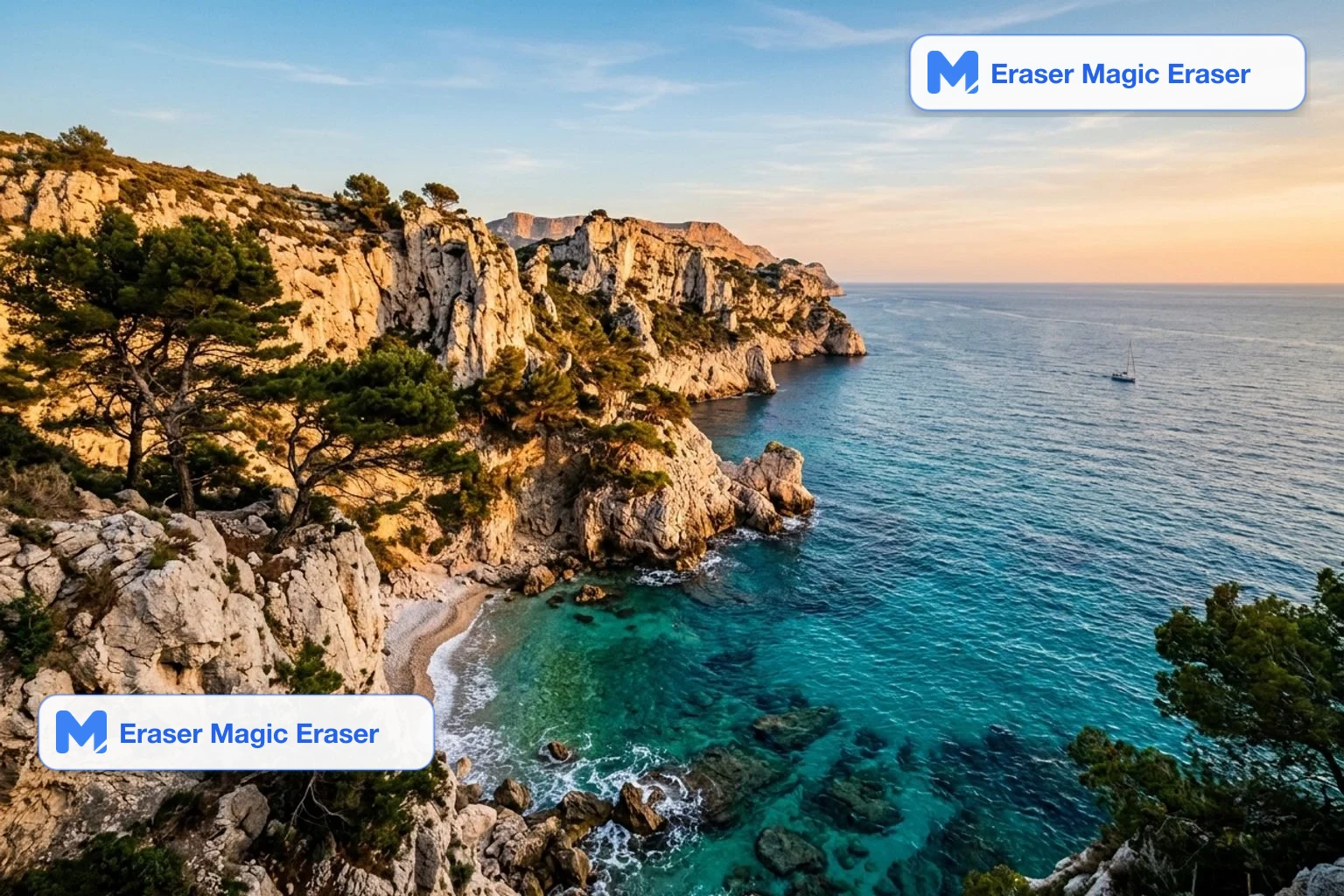
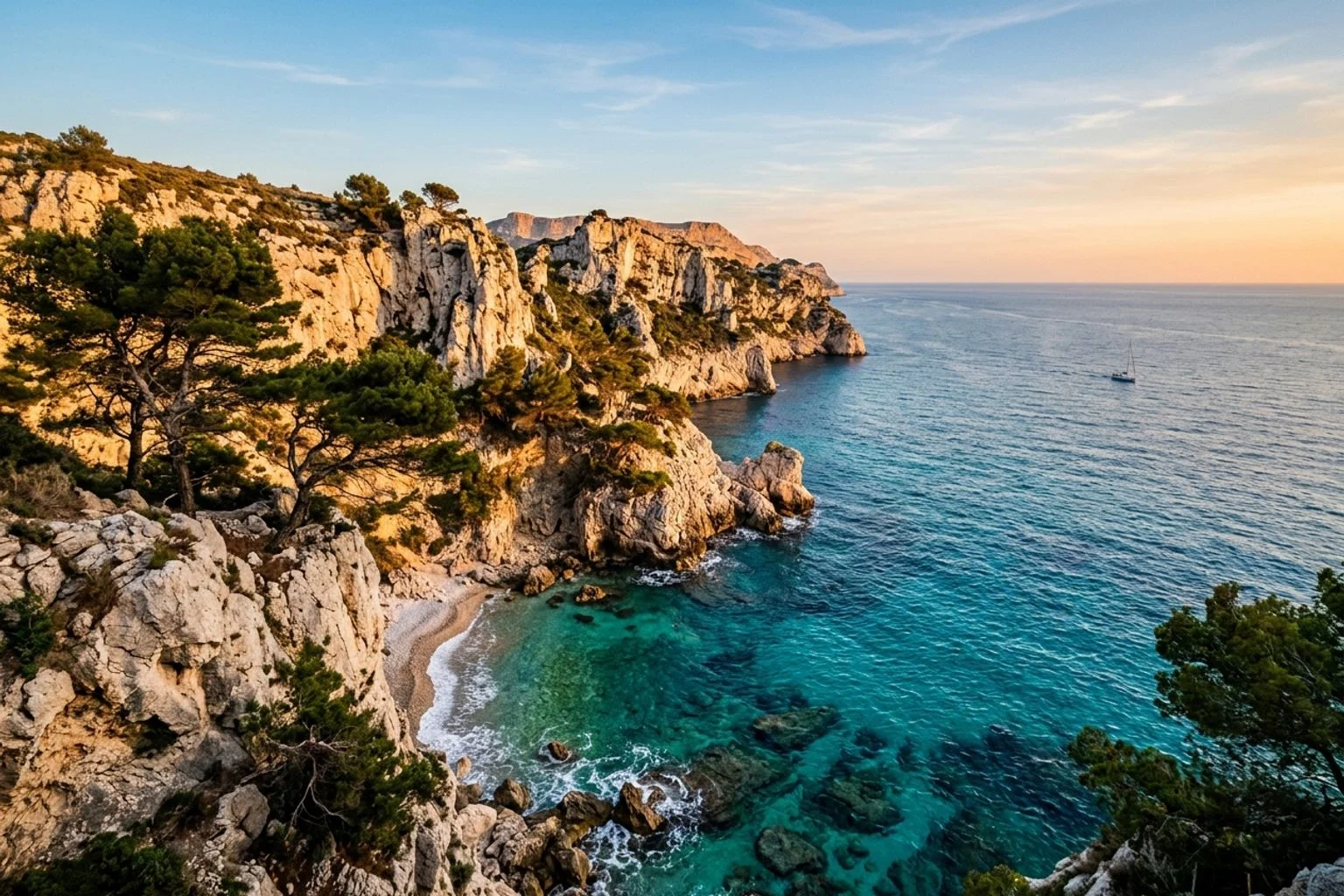
Erase corner app badges and AI export marks without cropping
Clean corner app badges, AI export marks, or camera brand stamps from full-bleed photos you created — without cropping off the edge of your composition or changing the aspect ratio.
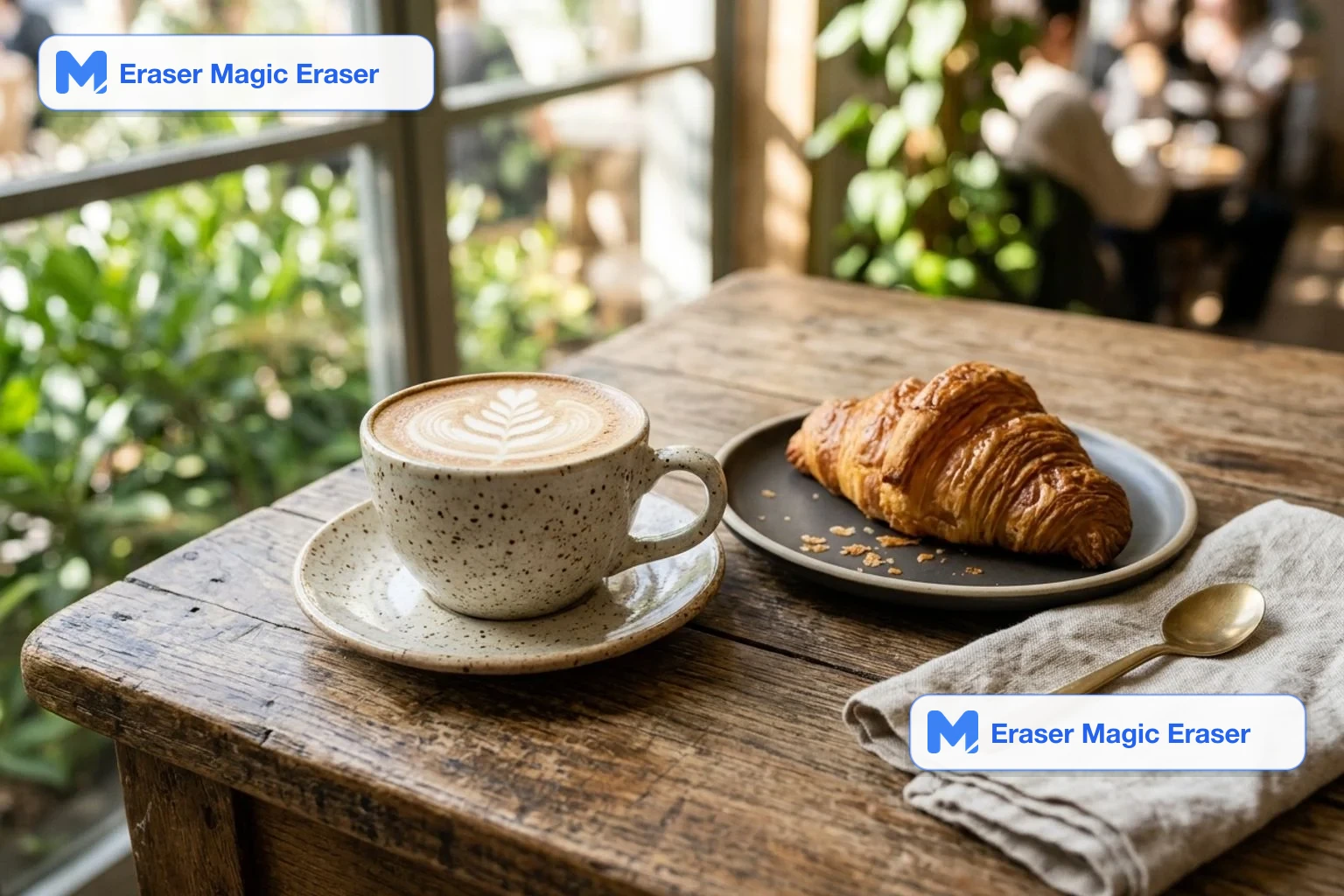
Remove brand logos and corner badges from product photos
Clean outdated brand logos, supplier badges, or corner studio marks from product photography you own before updating a store listing or catalog. Localized masking rebuilds sunlit bokeh and linen textures cleanly.
Remove TV channel bugs and corner marks from event stills
Erase a corner broadcast channel bug, live badge, or sponsor watermark from an event still or press photo you own while preserving warm evening bokeh lights and foreground portrait detail.
Masked: top-left live broadcast bug + bottom-right diagonal brand badge
Magic Eraser's online logo remover erases visible logos, brand marks, emblems, badges, text overlays, and corner symbols from photos directly in your browser. Upload a JPG, PNG, or WebP image (up to 8 MB), paint over the logo — including its wordmark, tagline, and shadow — and localized AI inpainting rebuilds the background in about 10–20 seconds. Signed-in users receive 2 free credits daily (1 free edit per day, no credit card) and download a high-quality, watermark-free PNG preserving the original aspect ratio. Only remove logos from images you own, created, or have permission to edit.
Input
JPG, PNG, WebP (≤ 8 MB)
Export
High-quality PNG
Typical time
About 10–20 seconds
Free & privacy
1 edit/day · 24h cleanup
Workflow
How to remove a logo from a picture in 3 steps
Works directly in desktop Chrome, Safari, Edge, or your phone browser — no Photoshop layers, browser extensions, or app installs required.
Step 1
1. Upload your photo (JPG, PNG, or WebP up to 8 MB)
Upload any static image up to 8 MB straight from Chrome, Safari, Edge, or Firefox on desktop, iPhone, or Android — no software download or desktop editor required. Start from the original image file rather than a compressed screenshot for cleaner texture matching.
Step 2
2. Brush over the logo, wordmark, and shadow
Adjust the brush size to match the logo and paint across the entire mark — including any icon, wordmark, tagline text, border, or cast shadow — with roughly a 6–10 pixel margin around the edges so no faint outline remains.
Step 3
3. Erase and download your PNG watermark-free
Click Erase and wait about 10–20 seconds while localized AI inpainting regenerates only the masked area. Inspect the preview, run a quick second pass on complex fabric or gradients if needed, and download your high-quality PNG with no watermark.
Where it works best & real boundaries
What kinds of logos, symbols, and marks you can remove
Six real-world image scenarios ordered from cleanest to most demanding, with honest AI inpainting limits listed alongside each one.
Corner logos, app stamps, and camera watermarks
Date stamps, camera model badges (such as Samsung or Galaxy photo stamps), scanner footers (such as CamScanner marks on saved image scans), and exported social app icons on photos you took yourself.
Limit: If a logo sits directly over fine text, tiny facial features, or an intricate border, zoom in and use a small brush so adjacent details stay sharp.
AI generator logos (Gemini, Meta AI, Dola, NotebookLM)
Visible corner symbols placed on images you created with AI tools — such as the Gemini sparkle icon, Meta AI badge, Dola AI mark, or NotebookLM slide graphics exported as images.
Limit: Erasing a visible corner icon only edits pixels inside the painted area; it does not remove invisible watermarks such as Google SynthID, and you should follow platform disclosure rules.
Brand logos on shirts, hats, and clothing in photos
Printed graphics, chest badges, and stitched emblems on t-shirts, hoodies, jackets, or caps inside a portrait, lookbook shot, or interview still — without launching Photoshop.
Limit: Solid cotton and flat knits rebuild cleanly; heavily pleated fabric, plaid patterns, or curved seams may need a second small pass. Edits digital photos only (not physical garments).
Product photography, supplier marks, and rebranding
Cleaning old company logos off your own marketing assets, removing temporary sample stickers from catalog photos you own, or preparing clean mockups during a brand refresh.
Limit: Glossy reflections, curved glass bottles, or metallic embossing can leave a slight lighting shift; brush slightly past the specular highlight for a smoother blend.
Logos with text, taglines, and promotional overlays
Combined icon-and-wordmark lockups, event sponsor bars, presentation graphics saved as PNG/JPG, and corner promotional stickers.
Limit: Wide overlays covering more than ~30% of the frame leave too little surrounding reference texture; split wide banners into two smaller passes instead of one huge mask.
Screenshots, broadcast channel bugs, and game stills
Static TV channel bugs on a captured frame, UI badges in tutorial screenshots, or corner photo-mode logos on your own game captures.
Limit: Because AI inpainting invents plausible background pixels rather than recovering hidden original pixels, do not use it where exact forensic or legal accuracy is required.
How it compares
Why browser AI logo removal beats Photoshop, Paint, and ChatGPT
See how localized brush inpainting compares with desktop suites, basic paint tools, automated watermark removers, and chat-based image editors.
Adobe Photoshop (Remove Tool / Clone Stamp)
Content-Aware Fill and the Remove Tool are great for agency retouching, but paying for Creative Cloud and opening a heavy desktop app is overkill when you just need to clean a few logos from photos.
Windows Paint / basic color sampling
Sampling nearby pixels with an eyedropper and painting over a mark only works on flat, single-color backgrounds. On gradients, fabric folds, skin, or outdoor scenes, painted patches stand out immediately.
Canva Magic Eraser
Convenient if you already pay for Canva Pro and edit designs inside Canva, but Magic Eraser is locked behind a paid subscription rather than offering free daily browser edits.
ChatGPT / conversational image editors
Asking a general chat model to "remove the logo in the corner" frequently re-renders the entire photo — subtly shifting faces, product shapes, or typography outside the logo. Localized brush masking regenerates only the region you paint.
Magic Eraser vs WatermarkRemover.io, LogoRemover.ai, Phototune, PicWish, Canva & Photoshop
Swipe horizontally to compare
Tool
Where it runs
Input formats
Free allowance
Localized brush mask?
Paid entry option
Magic Eraser
erasermagiceraser.com
Desktop & mobile browser
JPG, PNG, WebP (≤ 8 MB)
1 free edit/day (2 credits, free sign-in)
Yes — localized brush keeps rest unchanged
$9.99/mo or $14.99 one-time (100 edits)
WatermarkRemover.io
Web & mobile
Web browser & app
PNG, JPG, WebP, HEIC
Limited free credits
Auto-detect first (less manual control)
Paid subscription / credit plans
LogoRemover.ai
Web tool
Web browser
Standard web image formats
Free web tier
Yes — auto & manual brush
Paid tier for higher volume
Phototune.ai
Web tool
Web browser
JPG, PNG, WebP, AVIF (≤ 10 MB)
Free browser edits
Auto-detect primarily
Paid plans for higher volume
PicWish
Web, desktop & mobile
Browser & native apps
JPG, PNG, WebP
Limited free credits (HD often paid)
Yes — auto, prompt & manual brush
Subscription / credit packs
Canva Magic Eraser
Design suite
Web & mobile app
Canva-supported uploads
Paid feature (Pro trial only)
Yes — manual brush
Canva Pro subscription
Adobe Photoshop
Desktop retouching
macOS & Windows desktop
PSD, RAW, JPG, PNG, TIFF
7-day trial only
Yes — Remove Tool / Clone Stamp
Paid Creative Cloud plan
ChatGPT Image Edit
Conversational AI
Web & mobile app
Common image formats
Limited daily edits
No — often re-renders whole image
ChatGPT Plus ($20/mo)
Better results
4 tips for cleaner logo removal without blur
A slightly wider brush margin and clean original files prevent halos, soft patches, and color seams.
Logos and watermarks are often protected by trademark or copyright law. Only remove marks from photos you own, created, or have explicit permission to edit — never to bypass stock licensing or misrepresent a product's origin.
01
Paint slightly past the logo edges
Most important
Extend your brush 6–10 pixels beyond the logo border, drop shadow, and anti-aliased outline. Tight masks that stop right on the edge often leave a faint halo behind.
02
Mask the icon, wordmark, and tagline together
Cleaner fill
When a brand mark includes both a symbol and text underneath, cover the full lockup in one stroke so the AI rebuilds one continuous surface rather than patching disconnected holes.
03
Split large multi-surface logos into two passes
Complex surfaces
If a logo crosses two different textures — such as a shirt seam and a wall behind it — clean one section at a time so each rebuild samples the right local texture.
04
Start from the original file, not a screenshot
Sharpest PNG
Upload the highest-resolution JPG, PNG, or WebP original rather than a re-saved messaging-app copy. Compression artifacts around high-contrast logos make edge blending harder.
Honest expectations
What this logo remover is (and is not) built for
Searches for “logo remover” cover very different tasks — from photo cleanup to transparent logo cutouts and video editing. Check the exact fit before uploading.
Good fit for
Cleaning logos from photos you own or created — refreshing outdated brand logos on product shots, removing camera/app stamps, or tidying event and portrait photos.
Removing logos from shirts or hats in photos without paying for Photoshop or spending 10 minutes cloning fabric folds by hand.
Cleaning AI corner badges on generated visuals — such as Gemini sparkle icons, Meta AI marks, Dola AI badges, or NotebookLM graphics saved as images.
Quick browser edits on desktop, iPhone, or Android with 1 free watermark-free edit every day and non-expiring credit packs when you need more.
Not the right fit for
Removing the background FROM a logo (transparent PNG) — that is the opposite task (keeping the logo and deleting its white background). Use a dedicated logo background remover for that.
Removing logos from videos (Sora, TikTok, MP4, CapCut) — Magic Eraser edits static JPG, PNG, and WebP images only and cannot process video files or moving watermarks.
Editing PDF files directly or physical DIY removal — for PDFs, export the page to PNG/JPG first; for real fabric embroidery or car badges, this is a photo editor only.
Stripping unlicensed stock or third-party copyright marks — do not remove Getty, Shutterstock, or photographer proof watermarks without permission, or remove trademarks to misrepresent a product’s origin.
Limits, pricing, and privacy
Free every day
Every signed-in account receives 2 free credits per day (= 1 photo edit per day), with no credit card required and no watermark.
Pay-as-you-go or monthly
One-time Credit Packs start at $14.99 for 200 credits (100 edits) and never expire. Monthly plans start at $9.99/month for 200 credits. View pricing
Files & privacy
Accepts JPG, PNG, and WebP up to 8 MB and exports a high-quality PNG with no watermark. Images are uploaded only when you click Erase, never published, and temporary uploads auto-delete after 24 hours. Privacy Policy
FAQ
Frequently asked questions about removing logos from images
Is there a free online tool that can remove logos from images?
Yes. Magic Eraser lets you remove logos from JPG, PNG, or WebP images (up to 8 MB) directly in your web browser. Signed-in users receive 2 free credits every day (1 free edit per day) with no credit card required and no watermark on the downloaded PNG.
2
How can I remove a logo or symbol from a picture without losing quality?
Upload the original image file (not a compressed screenshot), brush cleanly over the logo or symbol with a small 6–10 pixel margin, and click Erase. Because Magic Eraser uses localized AI inpainting, only the masked spot is reconstructed while the rest of the photo stays sharp and exports as a high-quality PNG preserving your original aspect ratio.
3
Can I remove a logo from a shirt or clothing in a photo?
Yes. Upload the portrait or clothing photo and brush tightly over the printed or stitched logo on the shirt, hoodie, or cap. The AI reconstructs matching fabric color and folds behind the mark without altering the person’s face or background.
4
How do I remove an AI logo (like Gemini or Meta AI) from a picture for free?
Upload the AI-generated image you created, brush over the bottom-corner sparkle icon or AI badge with a slight margin, and click Erase. Note that erasing the visible corner icon does not remove invisible watermarks such as Google SynthID.
Can I remove a logo from a photo on iPhone or Android without installing an app?
Yes. Magic Eraser runs in mobile Safari on iPhone and Chrome on Android with no app download required. Upload a photo directly from your camera roll, paint over the logo with your finger, wait 10–20 seconds, and save the cleaned PNG back to your device.
6
Does this tool remove the background from my logo to make it transparent?
No — that is the opposite workflow. This page erases an unwanted logo from a photo while keeping the photo intact. If you want to keep your logo and delete the white or colored background around it, use a dedicated background remover tool instead.
7
How is a logo remover different from a watermark remover?
A logo remover focuses on localized, opaque marks such as brand badges, shirt emblems, corner icons, sponsor marks, and app stamps. Watermark removal typically also deals with semi-transparent text or tiled patterns spread across an image. Magic Eraser uses the same localized brush engine for both — paint only the area you want cleared.
8
Can ChatGPT remove logos or watermarks from photos?
General AI chat tools can sometimes edit out a logo, but they frequently re-render the entire photo — subtly changing faces, product shapes, or colors outside the logo area — and may refuse requests involving recognizable marks. A brush-based logo eraser modifies only the exact region you mask.
9
Can I remove a logo from a video or PDF file?
Magic Eraser currently supports static image files only (JPG, PNG, and WebP up to 8 MB), so it does not edit MP4 videos or moving video logos. For a logo on a PDF page, export or screenshot that page as a PNG or JPG image first, clean it here, and re-insert it into your document.
10
Can you legally remove a logo or watermark from a photo?
You may legally remove a logo or watermark from photos you own, created yourself, or have explicit permission to edit. Removing copyright watermarks from unlicensed stock images or erasing trademarks to misrepresent a product’s origin can violate copyright or trademark law.